 Voxinity
Real hearing groups
Everyone in a channel is within range of everyone else. If A hears B and B hears C, but A can’t hear C, A and C never share a channel.
Voxinity connects Discord voice to the positions on your ER:LC private server. Players within earshot end up in the same channel automatically – everyone else can’t hear them.
Early access · set up in minutes · no recordings
On most ER:LC servers the whole city shares one voice channel. The traffic stop, the bank robbery and the hospital all talk over each other.
Someone across the map is exactly as loud as the person standing next to you. Nothing about the voice matches where anyone is.
Voxinity splits the server into hearing groups, each with its own channel. Walk up to someone and you hear them. Walk away and you leave their channel.
Sign in to the dashboard with Discord and invite the bot to your server.
Paste your private server key. Voxinity checks it and creates the waiting room and group channels.
Players verify once with /verify and join the waiting room. The bot handles the rest.
This is the ER:LC city centre. Move players around, change the hearing radius and see who ends up in which voice channel. It runs the bot’s own grouping engine, right in your browser.
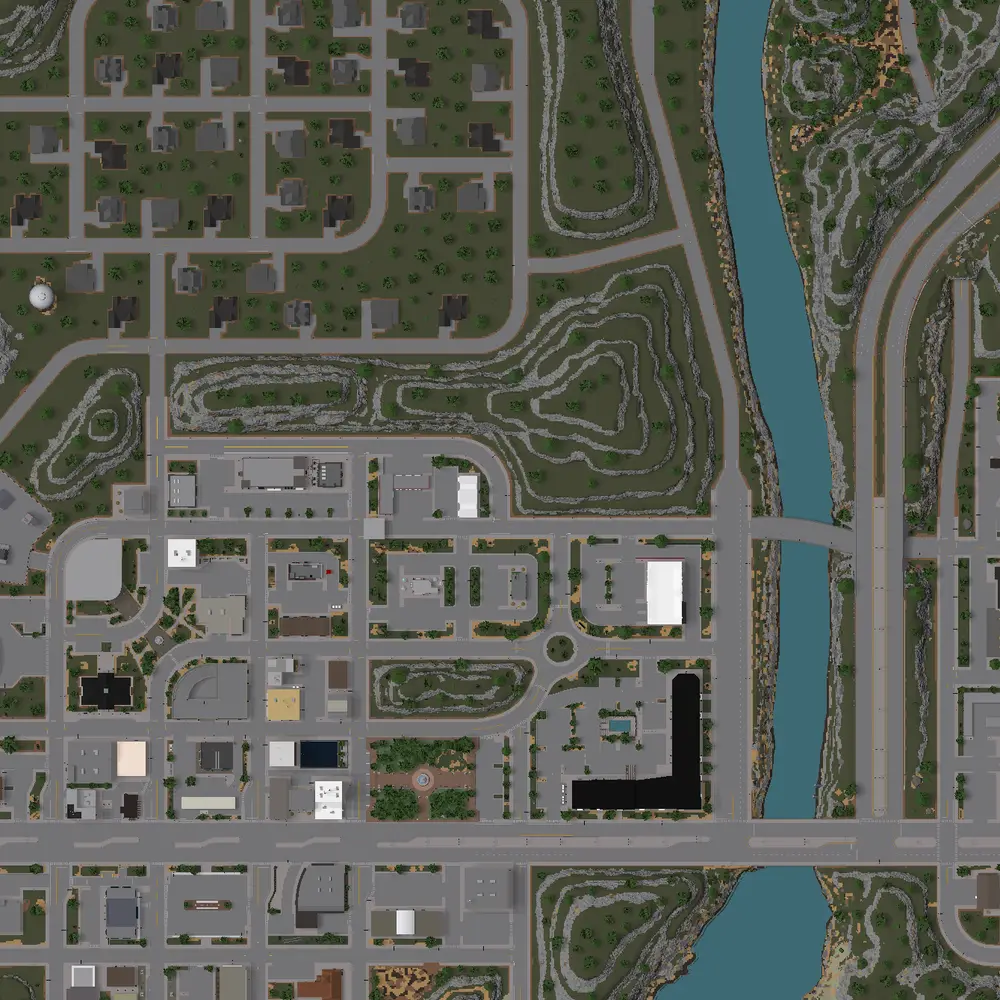
Drag the players, or focus one with Tab and use the arrow keys.
Controls
Voice channels
2 of 20 group channels in use. Nobody in the waiting room can speak.
Activity
Police, fire, EMS and civilians: talk to the people at the scene – not to the whole map.
Everyone in a channel is within range of everyone else. If A hears B and B hears C, but A can’t hear C, A and C never share a channel.
Nobody in range? You wait in a channel where nobody can speak, so nobody overhears scenes across the map.
Groups form at 100 studs and hold until 105. Standing right on the line won’t bounce you between channels.
Positions are projected ahead between updates, so people walking toward each other connect sooner.
The bot never joins a voice channel and never listens. Positions live briefly in memory and are never stored.
Each group borrows a channel from a fixed pool and keeps its number while people come and go.
Everything important works from Discord, too.
Players verify once with Roblox – on every server. Like Bloxlink, servers can hand out verified roles, set nicknames and post a verify panel.
Every player on the ER:LC map with hearing groups, radius and waiting room – live while your session runs.
Hearing radius, channel visibility and what each staff role may do – every Discord server has its own settings.
An ER:LC private server with access to the ER:LC API (for its private server key), a Discord server and the “Manage Server” permission there. Setup takes a few minutes in the dashboard.
Every few seconds it asks the ER:LC API for the positions of the players on your private server. Because you linked your Roblox account once with /verify, Voxinity knows which position belongs to which Discord member. You don’t install anything.
No. Discord does not let bots control how loud one person is for another. Voxinity forms groups instead: everyone in the same channel hears each other at full volume. Walk away and you are moved to another channel or the waiting room.
No. The bot never joins a voice channel – it only moves members. There are no recordings and no transcripts. Positions are kept in memory for a few seconds and never stored.
Up to 20 by default. Each group gets a channel from a fixed pool and keeps its number while people join and leave. Players who aren’t near anyone wait in the silent waiting room.
Any time: leave the voice channel, use /proxvoice optout or choose “Opt out of proximity voice” in the dashboard, where you can also delete your link. Voxinity only moves members in its own waiting room and group channels.
Questions, feedback or problems? Join our support server.